
Free online Arduino simulator
Build virtual circuits, write real Arduino C++ code, and simulate Arduino Uno, Nano, and Mega in your browser.
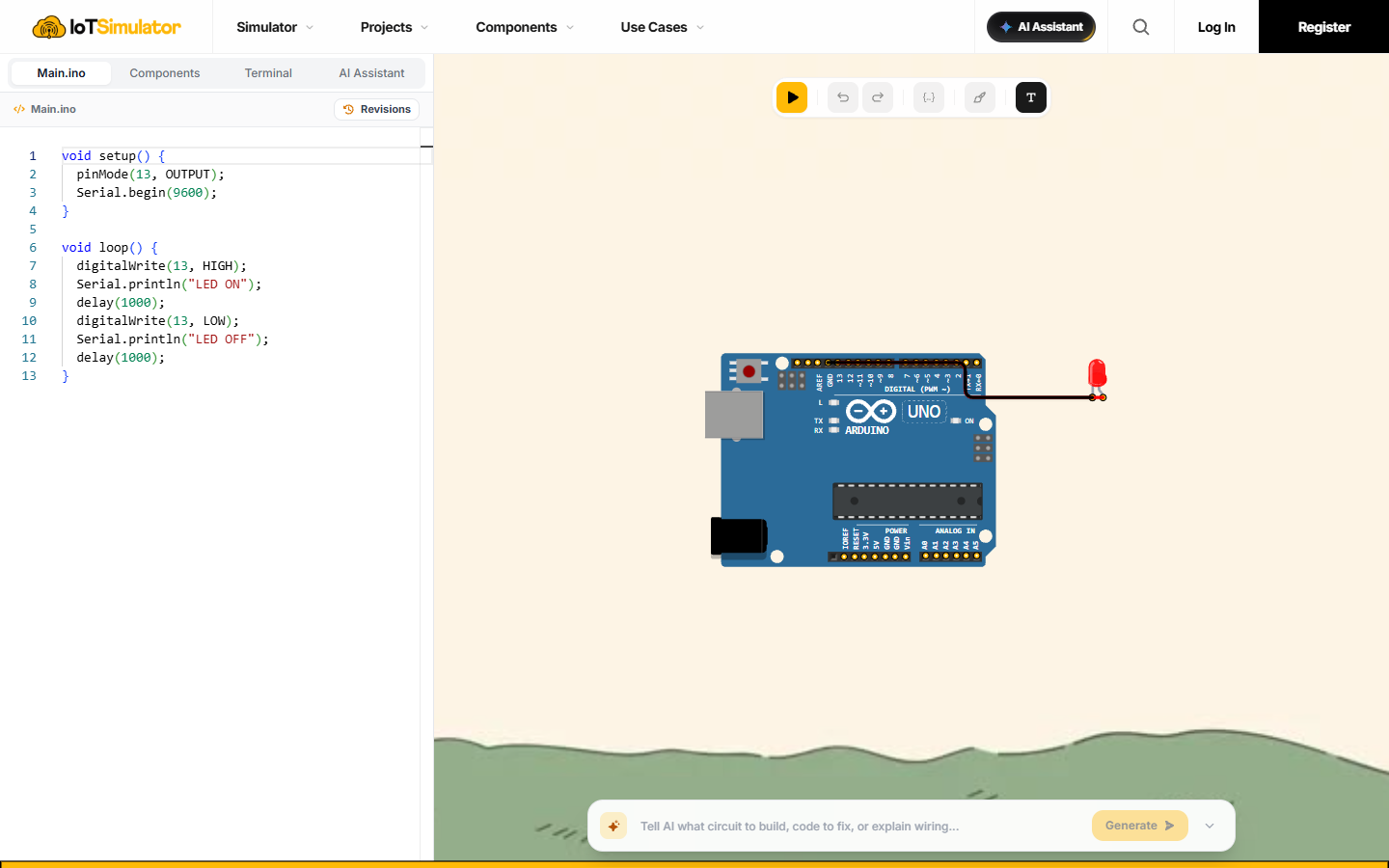
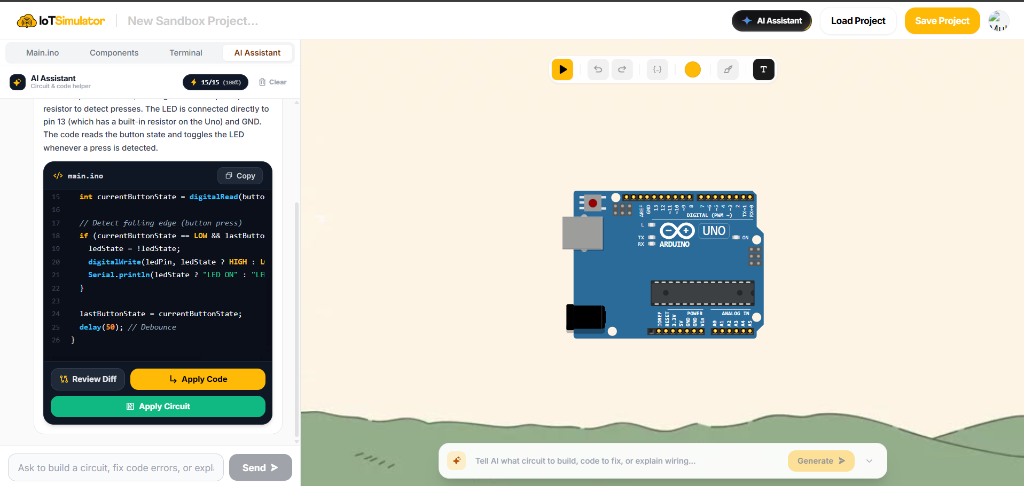
The full Arduino simulator in action
Real C++ editor on the left, interactive circuit canvas on the right, and AI copilot ready to help.
How to simulate Arduino in 3 simple steps
Zero installation. No drivers to configure. Start building virtual electronics immediately.
Everything you need to build and test
From beginner breadboard experiments to complex multi-sensor Arduino projects.
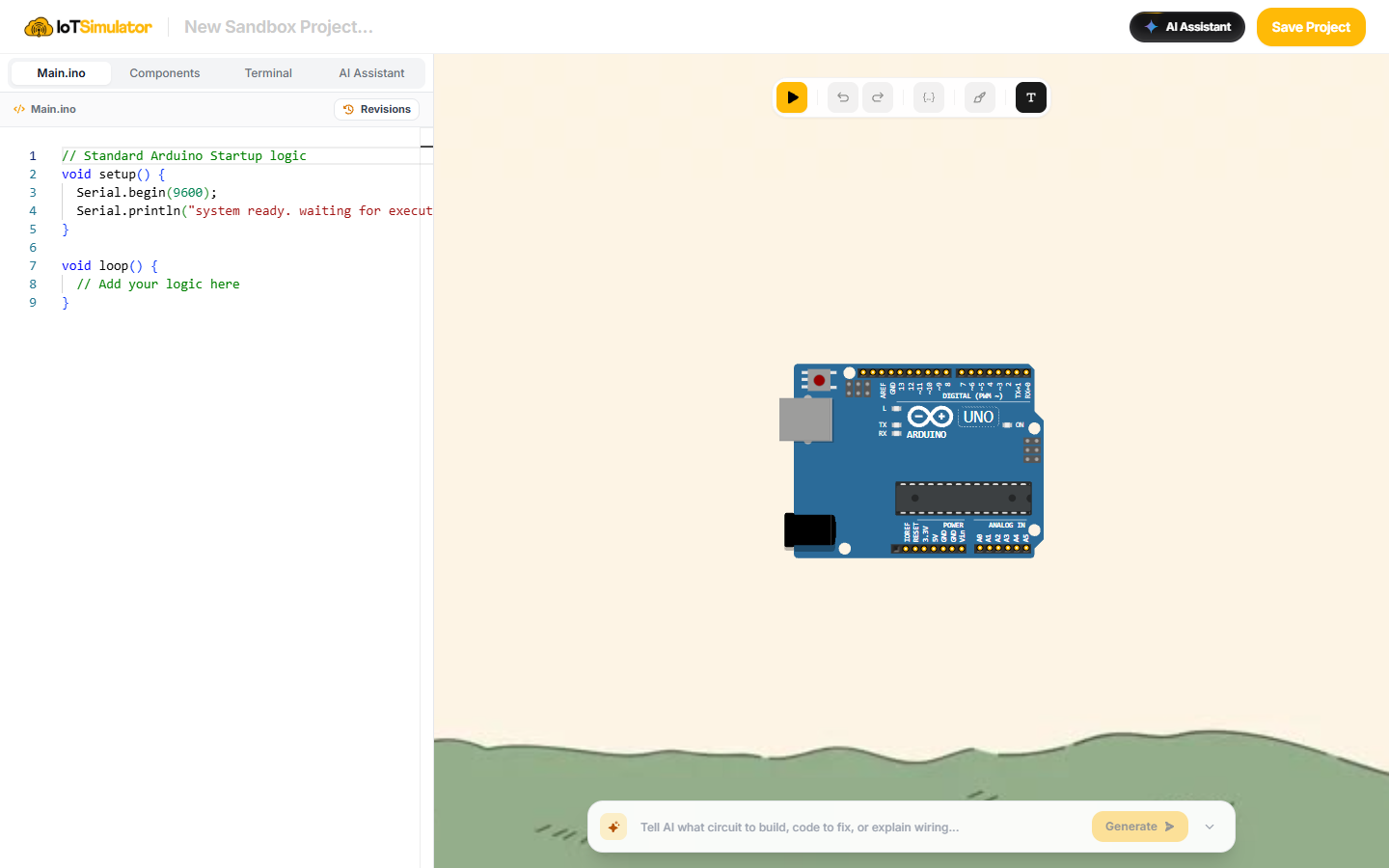
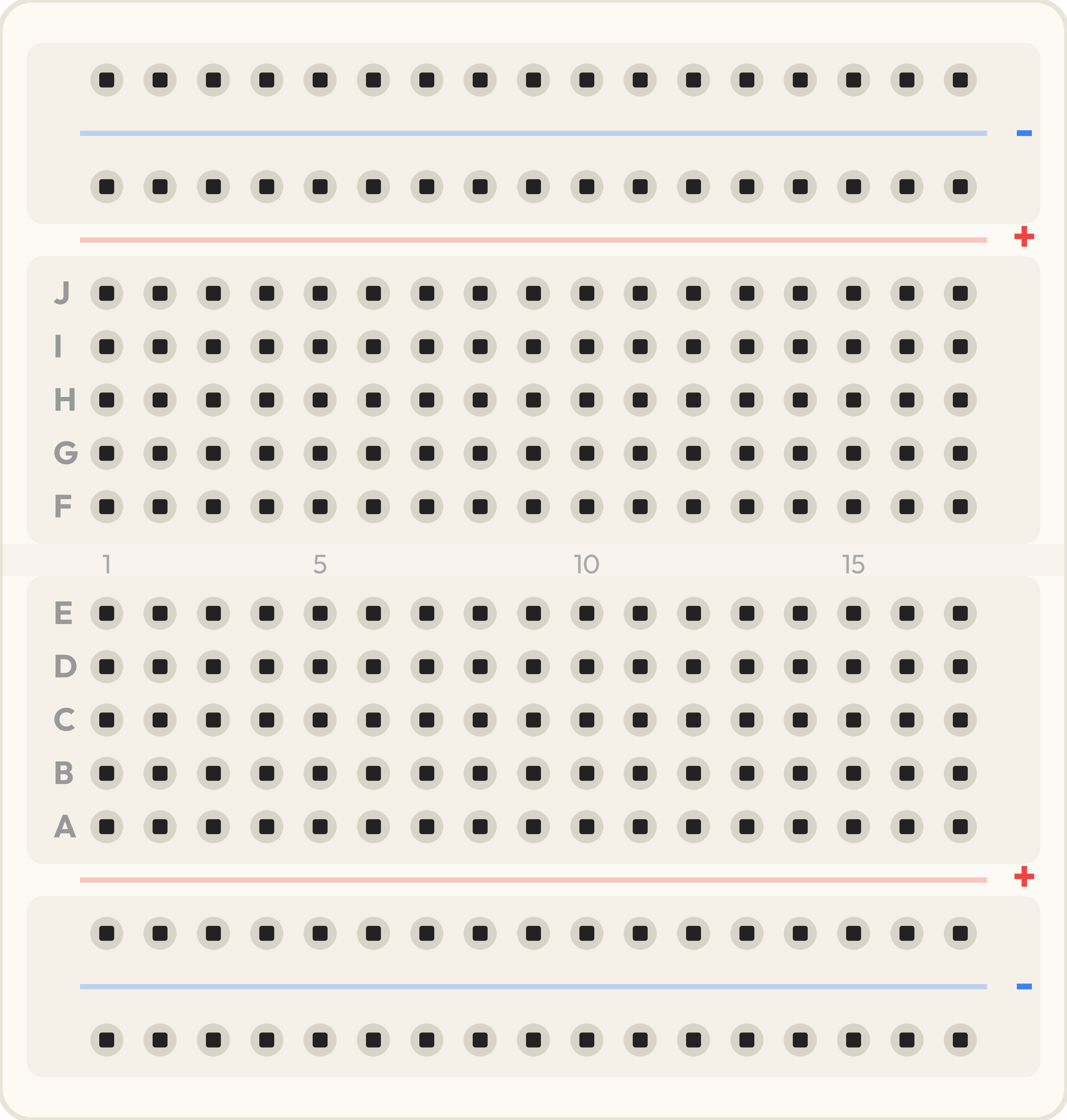
Clean orthogonal wiring on virtual breadboard
Connect Arduino Uno, Nano, or Mega pins to LEDs, potentiometers, and resistors without tangled mess. Color-code jumper wires with real snapping physics.
- Snap-to-pin alignment with automatic 90-degree orthogonal routing
- Realistic resistor color-band calculator and interactive potentiometers
- Zero risk of board short-circuits or fried electronics components
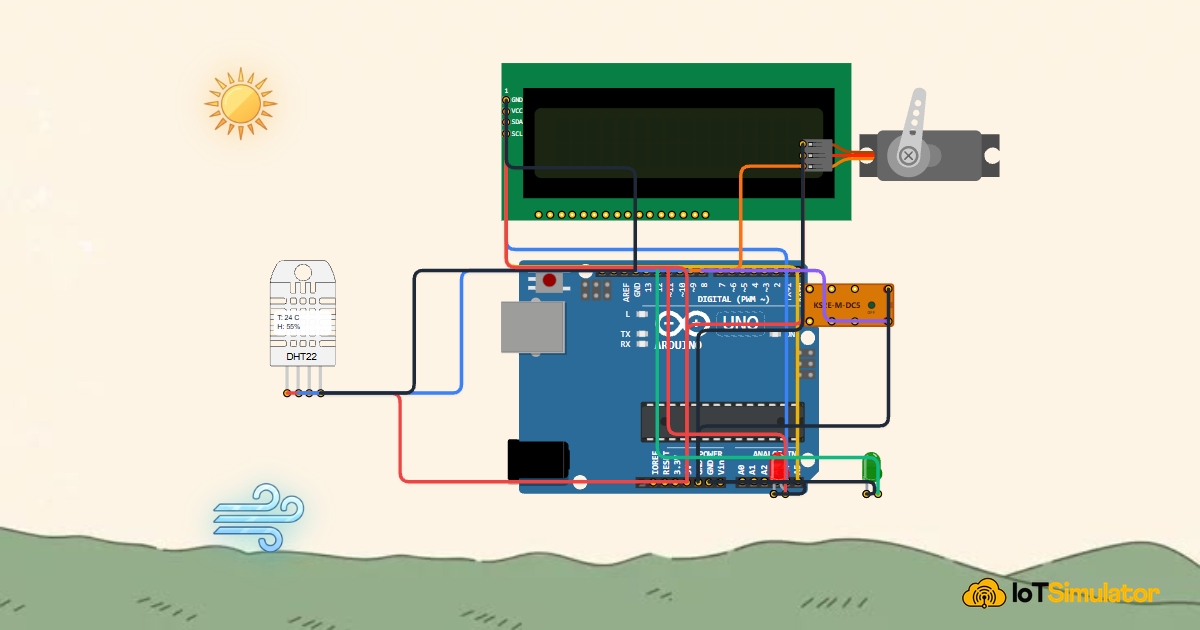
Extensive library of sensors, actuators & displays
Connect dozens of real-world components with interactive onscreen controls. From environmental sensors to motors, relays, and OLED displays.
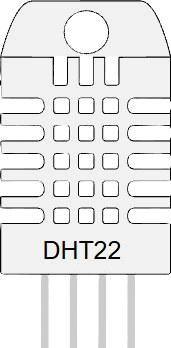
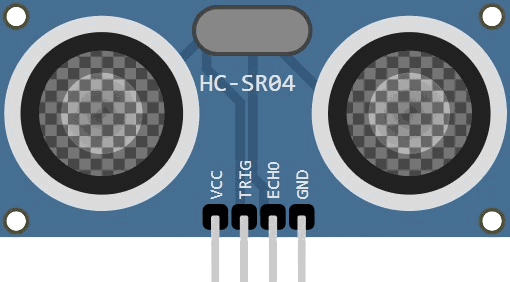
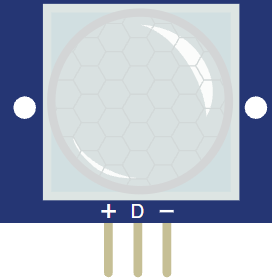
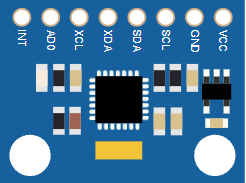
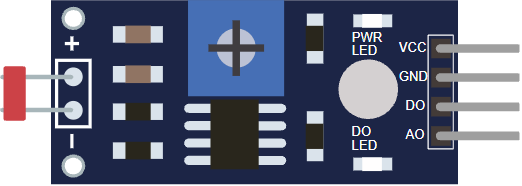
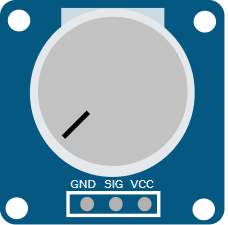
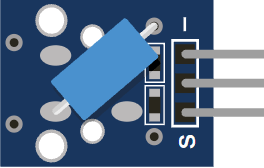
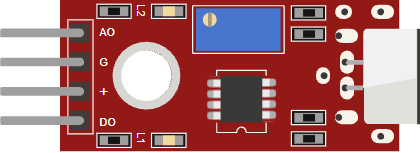
- Interactive sensors: DHT22, HC-SR04 sonar, PIR motion, LDR photoresistor, and MPU6050
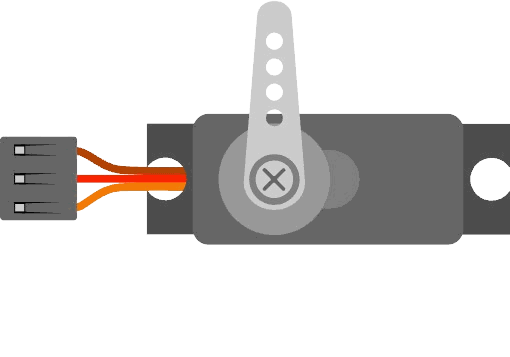
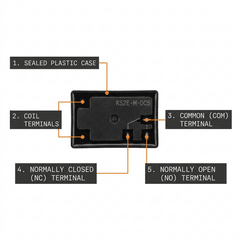
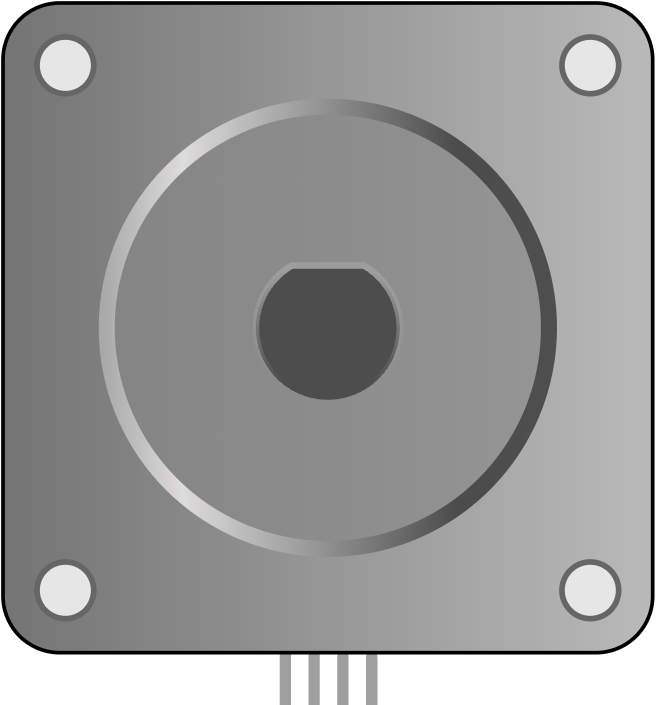
- Actuators & output: SG90 micro servo, stepper motors, 5V relays, buzzers, and LEDs
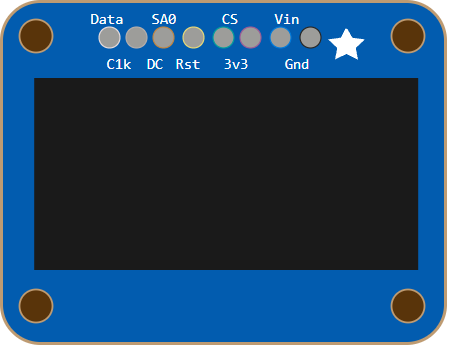
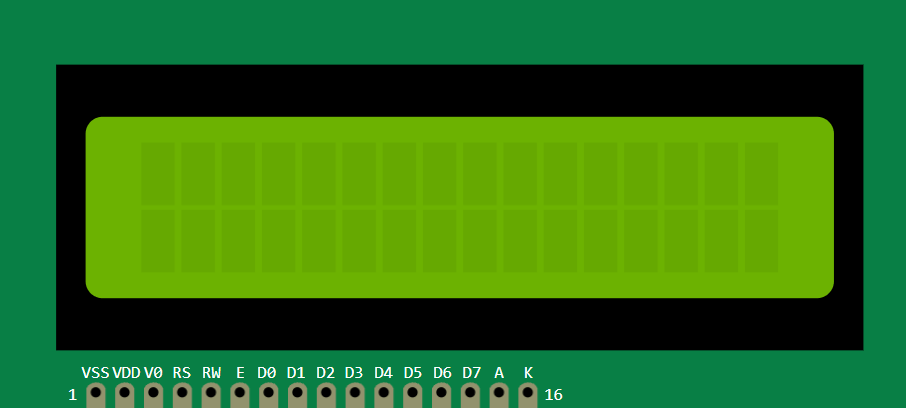
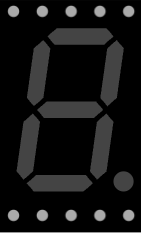
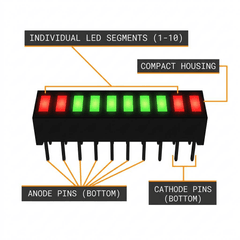
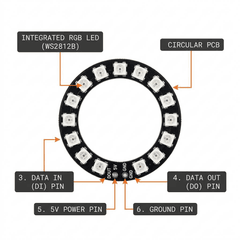
- Crisp visual displays: I2C SSD1306 OLED, 16x2 / 20x4 LCDs, and 7-segment digit counters
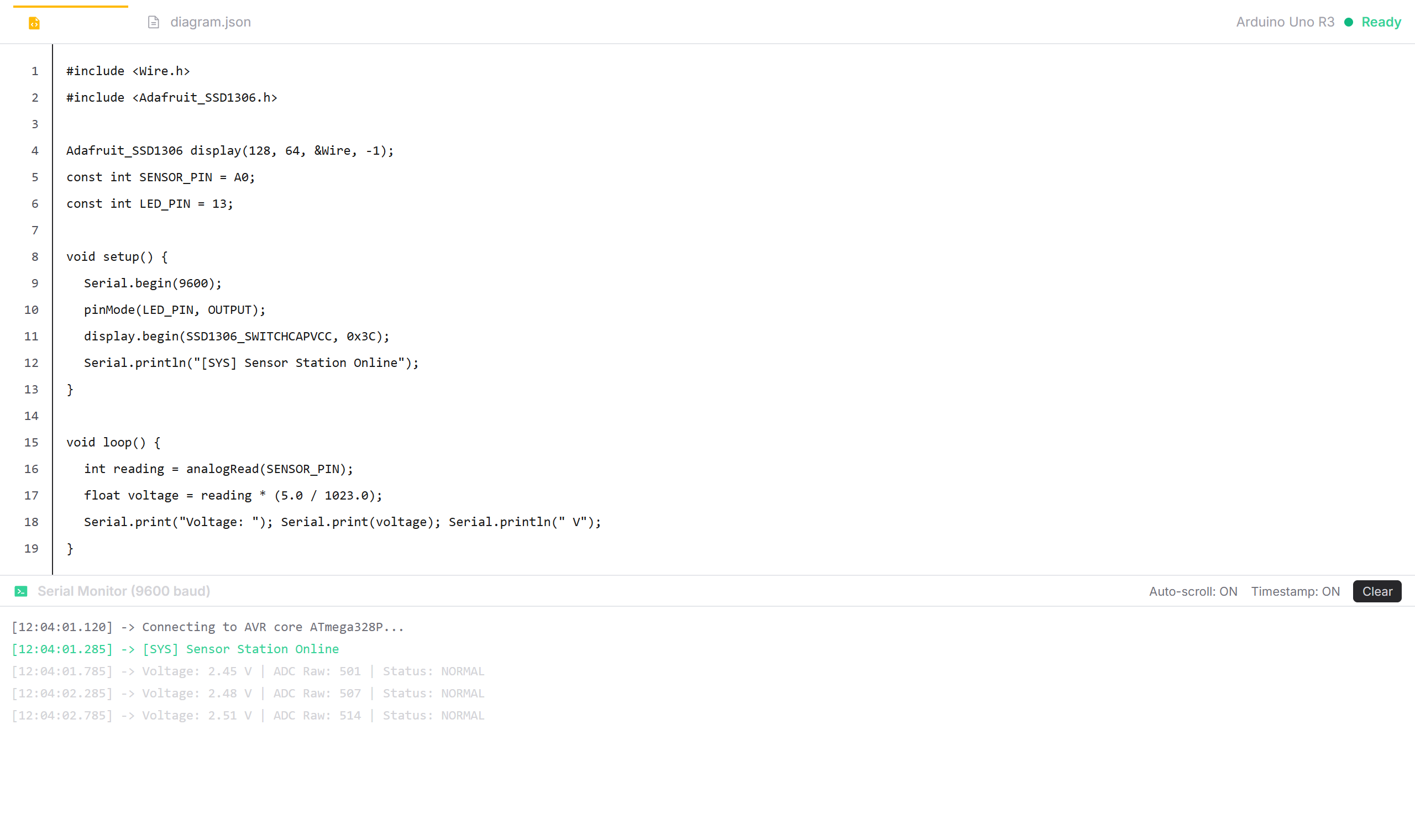
High-speed AVR compiler & serial monitor
Write standard Arduino C/C++ in a full-featured Monaco editor. Compile in less than 1 second and inspect debug output on the real-time serial monitor.
- Monaco code editor with syntax highlighting, autocomplete, and error markers
- Sub-second AVR compiler toolchain for Uno, Mega, and Nano
- Two-way serial monitor and serial plotter for sensor telemetry
Natural language circuit generator & code fixer
Describe what you want to build and let our Groq LPU AI model wire the components and write clean Arduino sketch code automatically.
- Prompt-to-circuit generation powered by lightning-fast Groq LPU
- Instant syntax and missing library error explanation and 1-click repair
- Automatic pin calculation and collision-free component placement
Supported Arduino boards
Cycle-accurate AVR microcontrollers simulated directly inside WebAssembly.
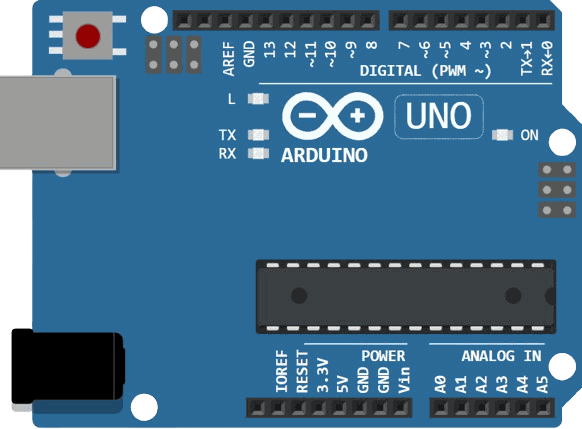
Arduino Uno R3
The standard board for learning electronics. Practice GPIO, digital logic, and basic analog sensors.
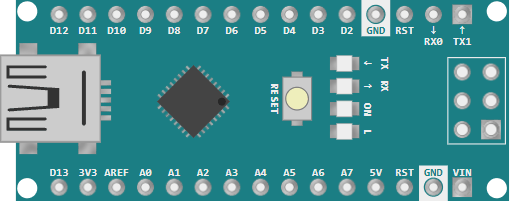
Arduino Nano
Compact form factor designed for virtual breadboards, small robots, and wearable electronics prototypes.
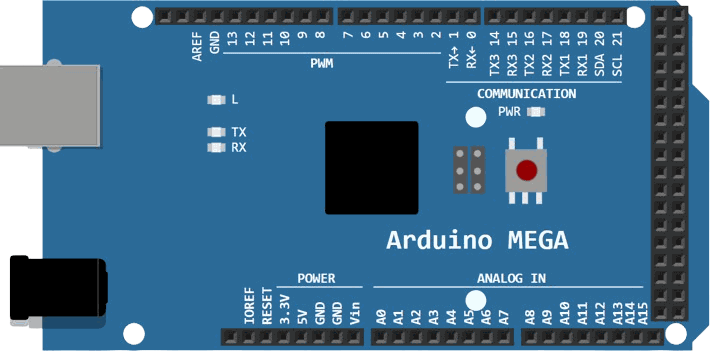
Arduino Mega 2560
Powerful board with 54 I/O pins and 4 hardware UART serial ports for 3D printers and multi-sensor setups.
Support a vast library of IoT components
Every sensor, actuator, and display you need to build realistic virtual IoT prototypes.
Sensors & Inputs
Actuators & Outputs





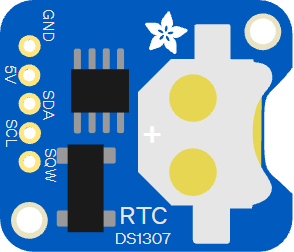
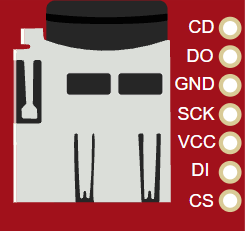
Displays & Modules


Ready-to-run starter projects
Open working Arduino circuits with code and breadboard wiring pre-assembled in one click.
 Run
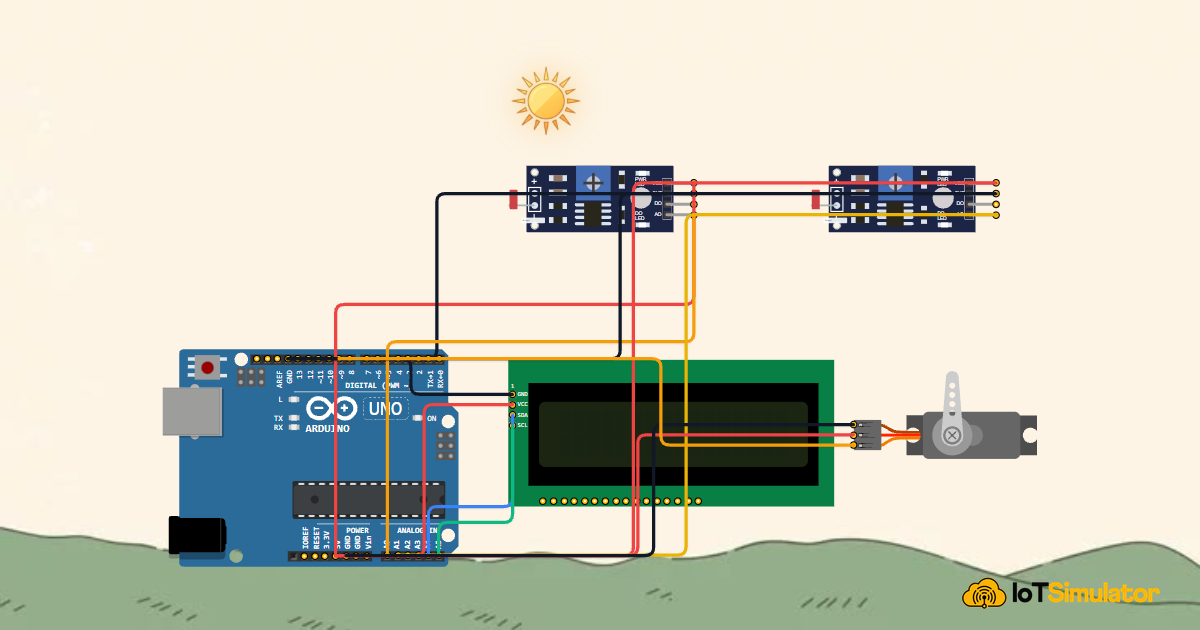
Single-Axis Solar Tracker
Dual LDR light sensors pivot a servo toward the brightest light source in real time.
 Run
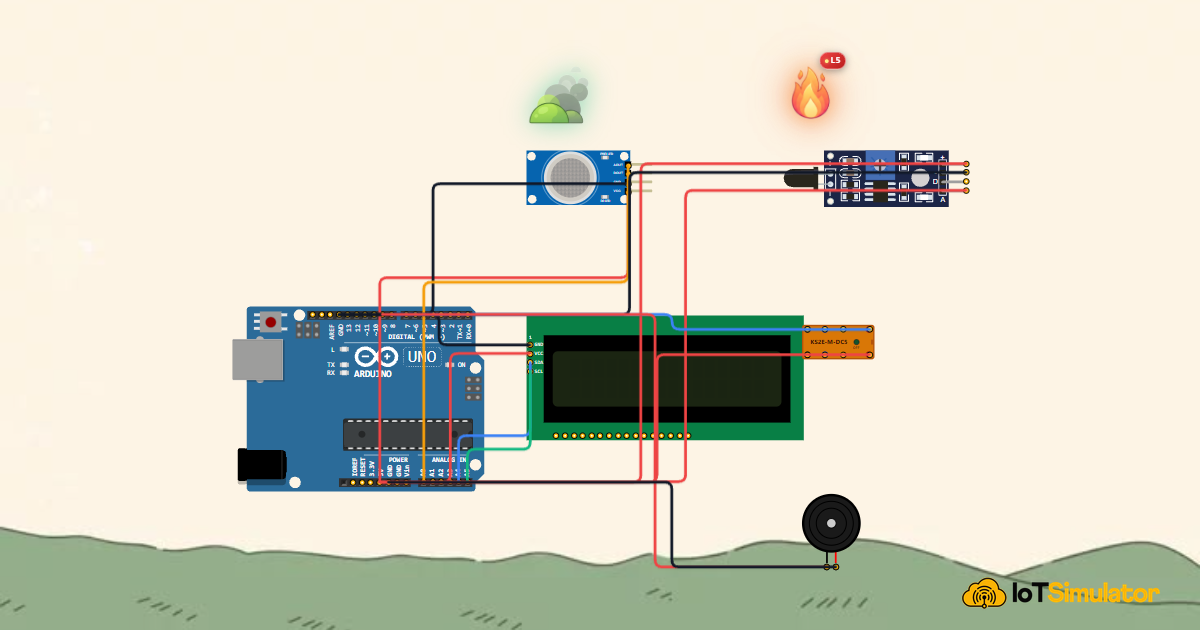
Hazard & Safety Alarm
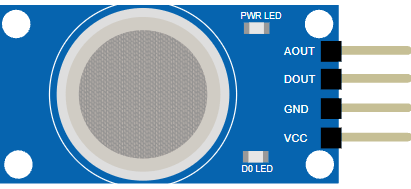
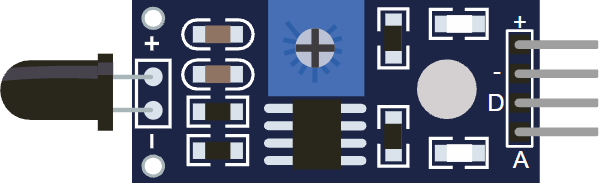
Gas and flame detector triggers a siren buzzer and emergency 5V relay switch.
 Run
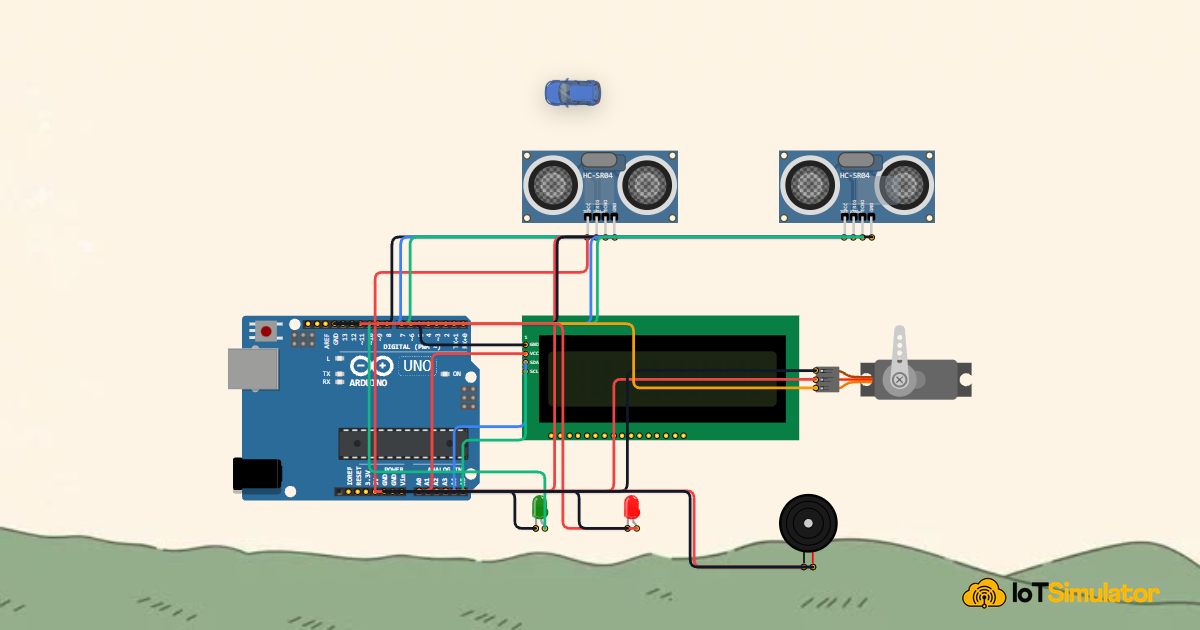
Smart Parking Barrier
Ultrasonic sensor detects incoming vehicles and lifts the servo boom gate automatically.
 Run
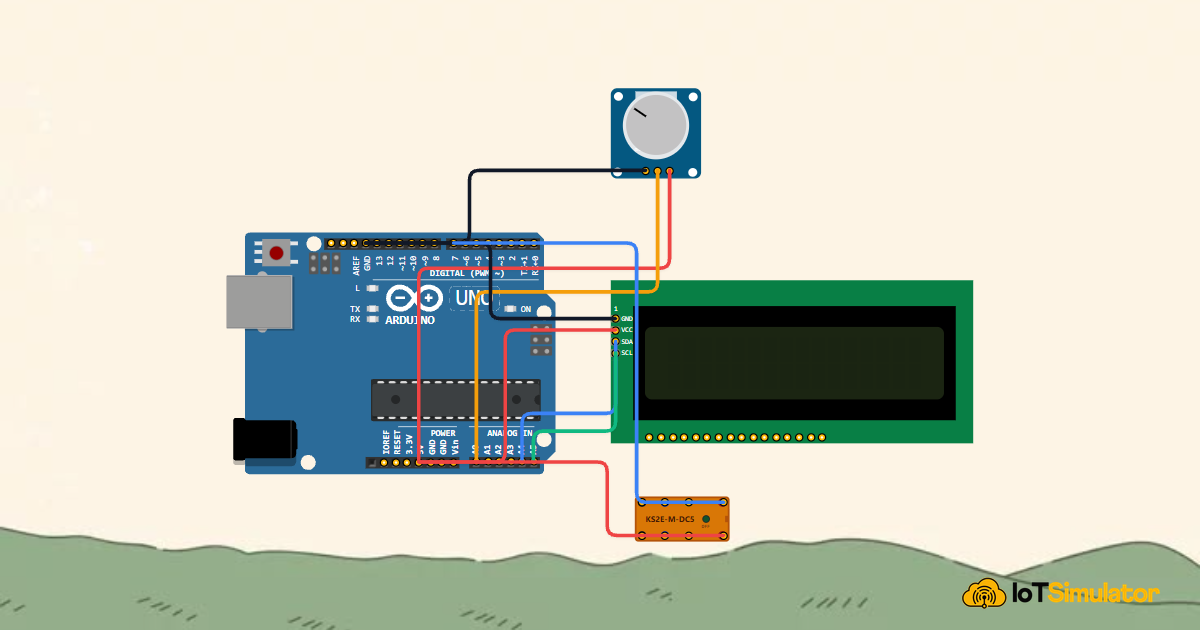
Automatic Plant Watering
Soil moisture analog monitoring drives an automated irrigation water pump relay.
Frequently asked questions
Clear answers to common questions about simulation accuracy, supported C++ libraries, and real hardware compatibility.