
Mini Smart Greenhouse Climate Automator with Arduino

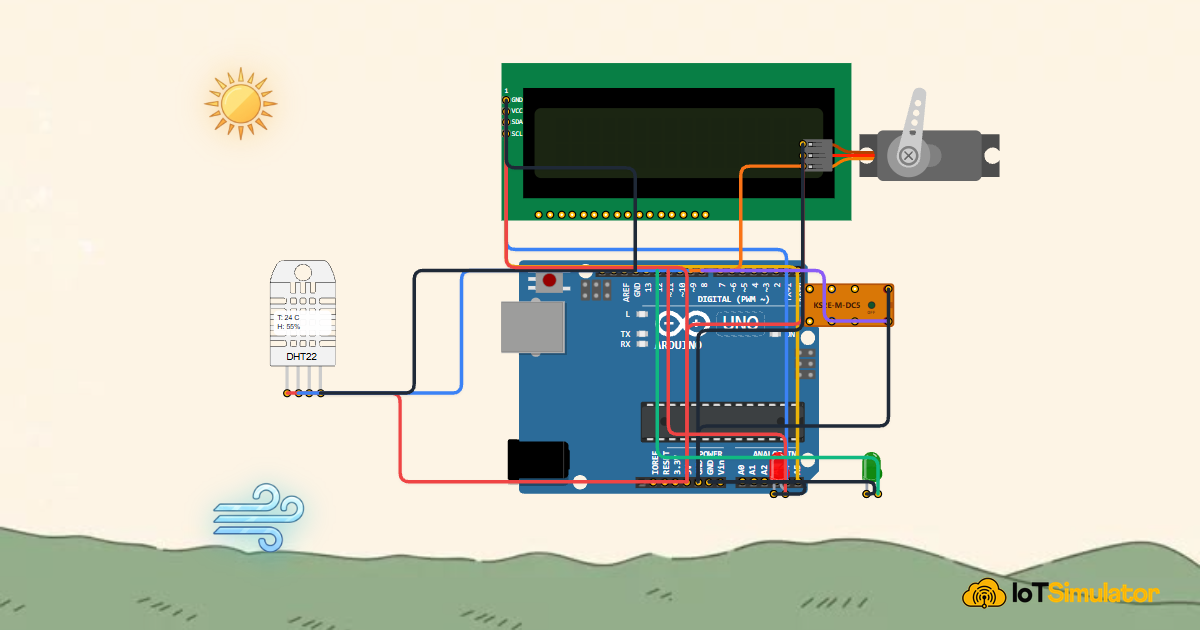
Live project track
Have you ever stepped inside a commercial greenhouse on a hot summer afternoon and noticed automated vents sliding open while exhaust fans spin to life? High temperatures and stagnant humidity can scorch fragile seedlings and promote fungal mildew within hours.
In this project, you will build a mini smart greenhouse climate automator using an Arduino Uno, a high-precision DHT22 digital temperature and humidity sensor, an I2C LCD1602 display, and a ventilation fan driver. The core concept to master is: using combined environmental telemetry thresholds (heat and humidity) to drive active cooling actuators and maintain closed-loop equilibrium.
How the DHT22 Measures Temperature and Humidity
Think of checking weather conditions with a wet-and-dry bulb thermometer. Humidity refers to the amount of water vapor suspended in the air. High humidity slows evaporation, while low humidity accelerates moisture loss from plant leaves.
The DHT22 (AM2302) sensor houses two internal sensing elements: a capacitive humidity sensor and a negative temperature coefficient (NTC) thermistor. An onboard 8-bit microcontroller measures both physical properties, converts them to calibrated digital values, and transmits them across a single-wire digital bus.
| Climate Parameter | Sensing Element | Measurement Range | Accuracy |
|---|---|---|---|
| Relative Humidity (RH) | Capacitive Polymer Substrate | 0% to 100% RH | ± 2% RH |
| Ambient Temperature | NTC Ceramic Thermistor | -40°C to +80°C | ± 0.5°C |
| Ventilation Trigger | Dual Threshold Comparison | > 28°C or > 70% RH | Hysteresis Protected |
Every two seconds, the Arduino sends a start signal pulling the data pin LOW for 1 millisecond. The DHT22 responds with a 40-bit data packet containing 16 bits of humidity data, 16 bits of temperature data, and an 8-bit parity checksum.
If temperature climbs past 28°C or humidity exceeds 70%, the Arduino commands the digital output pin to engage the ventilation exhaust fan, expelling excess moisture and heat until conditions normalize.
The DHT22 provides much higher precision (0.1°C resolution) than the older blue DHT11 sensor (1°C resolution), making it the gold standard for climate incubation.
Building the Mini Greenhouse Circuit
The Arduino Uno provides stable 5V power and a common GND reference to the DHT22 sensor, the I2C LCD screen, and the cooling fan transistor or relay circuit. 5V supplies operating power, while GND completes the electrical loop.
Digital pin D12 connects to the DHT22 data line with a 4.7kΩ or 10kΩ pull-up resistor to ensure clean digital signal transitions. The I2C LCD connects to analog pins A4 (SDA) and A5 (SCL).
The Complete Smart Greenhouse Sketch
Below is the complete, tested Arduino sketch. It samples the DHT22 every two seconds, updates the climate dashboard on the LCD, and controls greenhouse ventilation automatically.
#include <Wire.h>
#include <LiquidCrystal_I2C.h>
#include "DHT.h"

#define DHTPIN 12
#define DHTTYPE DHT22

DHT dht(DHTPIN, DHTTYPE);
LiquidCrystal_I2C lcd(0x27, 16, 2);

const int fanPin = 7;
const float TEMP_LIMIT = 28.0; // Celsius
const float HUMID_LIMIT = 70.0; // Percent

void setup() {
  Serial.begin(9600);
  pinMode(fanPin, OUTPUT);
  digitalWrite(fanPin, LOW);

  dht.begin();
  lcd.init();
  lcd.backlight();
  lcd.setCursor(0, 0);
  lcd.print("Greenhouse Auto");
  lcd.setCursor(0, 1);
  lcd.print("Sensors Warmup..");
  delay(2000);
  lcd.clear();
  Serial.println("[System]: Greenhouse Automator Ready");
}

void loop() {
  float humidity = dht.readHumidity();
  float temperature = dht.readTemperature();

  if (isnan(humidity) || isnan(temperature)) {
    lcd.setCursor(0, 0);
    lcd.print("Sensor Read Err ");
    return;
  }

  lcd.setCursor(0, 0);
  lcd.print("T:");
  lcd.print(temperature, 1);
  lcd.print("C H:");
  lcd.print(humidity, 0);
  lcd.print("%  ");

  lcd.setCursor(0, 1);
  if (temperature > TEMP_LIMIT || humidity > HUMID_LIMIT) {
    digitalWrite(fanPin, HIGH); // Turn fan ON
    lcd.print("Fan: ACTIVE (COOL)");
    Serial.println("[Action]: Climate hot/humid. Venting active.");
  } else {
    digitalWrite(fanPin, LOW);  // Turn fan OFF
    lcd.print("Fan: OFF (STABLE) ");
    Serial.println("[Status]: Climate ideal.");
  }

  delay(2000);
}
How the Code Works, Step by Step
Let us review each functional block of the greenhouse automator.
Configuring DHT22 and Climate Thresholds
The code instantiates DHT dht(12, DHT22) and sets TEMP_LIMIT = 28.0 and HUMID_LIMIT = 70.0. These define the maximum safe boundaries for greenhouse crops.
Sampling Telemetry and Validating Packets
Inside loop(), dht.readTemperature() and dht.readHumidity() extract readings. The safety check isnan() prevents invalid calculations if a wire is temporarily loose.
Evaluating Climate and Actuating Ventilation
A logical OR condition temperature > TEMP_LIMIT || humidity > HUMID_LIMIT checks if either environmental parameter is compromised. If true, digital pin 7 pulls HIGH, spinning the exhaust fan to restore fresh air circulation.
Practical Testing and Tuning
In the IoTSimulator workspace, use the interactive DHT22 environmental sliders. Drag the temperature to 32°C and observe the LCD switch immediately to Fan: ACTIVE (COOL) with the DC fan spinning. Lower temperature back to 24°C to verify automated shutdown.
More in Arduino Uno
Arduino Single-Axis Solar Tracker with Dual LDRs and Servo
Arduino Fire Alarm & Gas Leak Detector with Siren and Relay
Arduino Smart Parking Barrier & Slot Counter with Ultrasonic Sensor
Arduino Automatic Plant Watering & Soil Moisture Irrigation System
Arduino Digital Kitchen Scale with HX711 Load Cell and LCD
More in DHT22
More in LCD1602
Arduino Single-Axis Solar Tracker with Dual LDRs and Servo
Arduino Fire Alarm & Gas Leak Detector with Siren and Relay
Arduino Smart Parking Barrier & Slot Counter with Ultrasonic Sensor
Arduino Automatic Plant Watering & Soil Moisture Irrigation System
Arduino Digital Kitchen Scale with HX711 Load Cell and LCD
More in Servo Motor
Arduino Single-Axis Solar Tracker with Dual LDRs and Servo
Arduino Smart Parking Barrier & Slot Counter with Ultrasonic Sensor
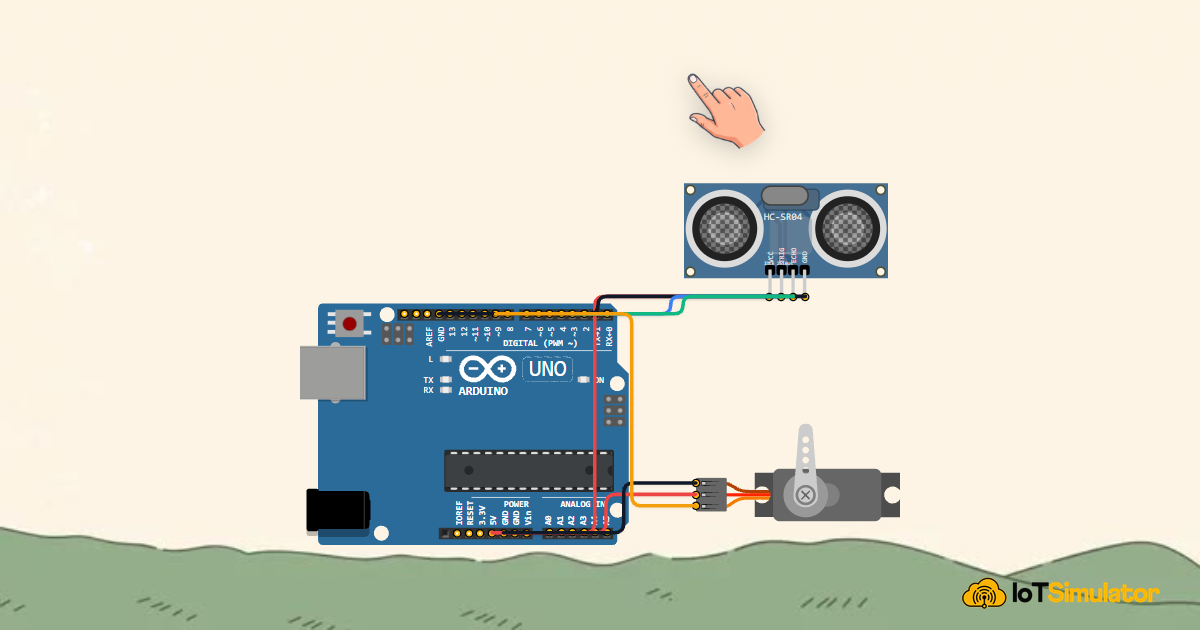
Arduino Touchless Smart Dustbin with Ultrasonic Sensor and Servo
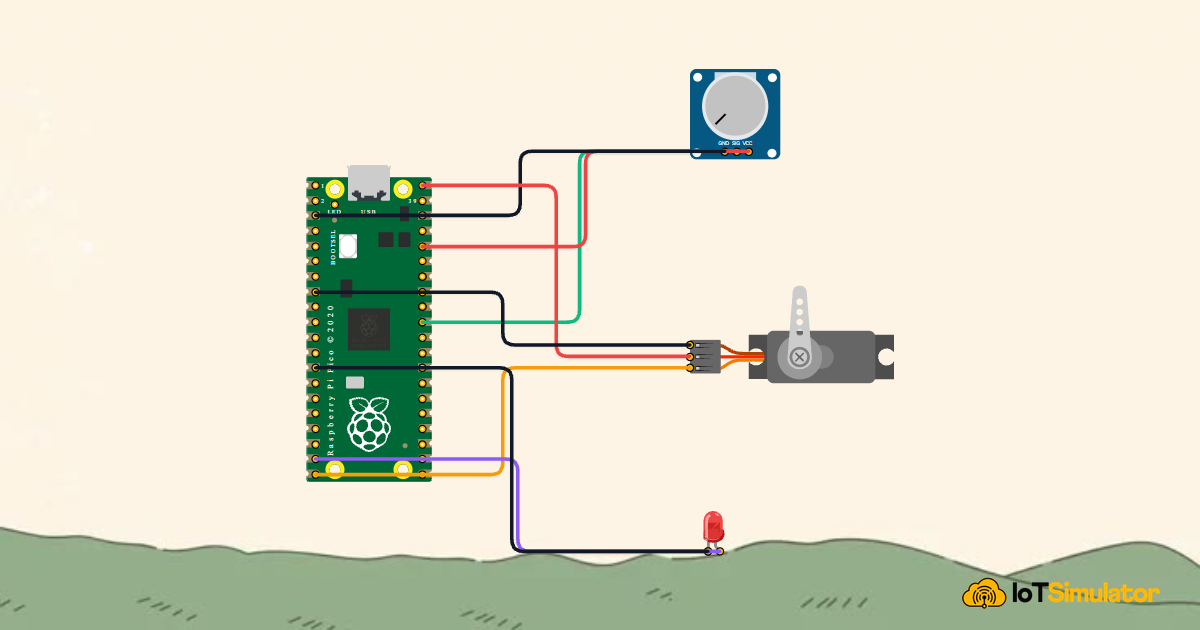
Control a Servo Positioner with a Raspberry Pi Pico
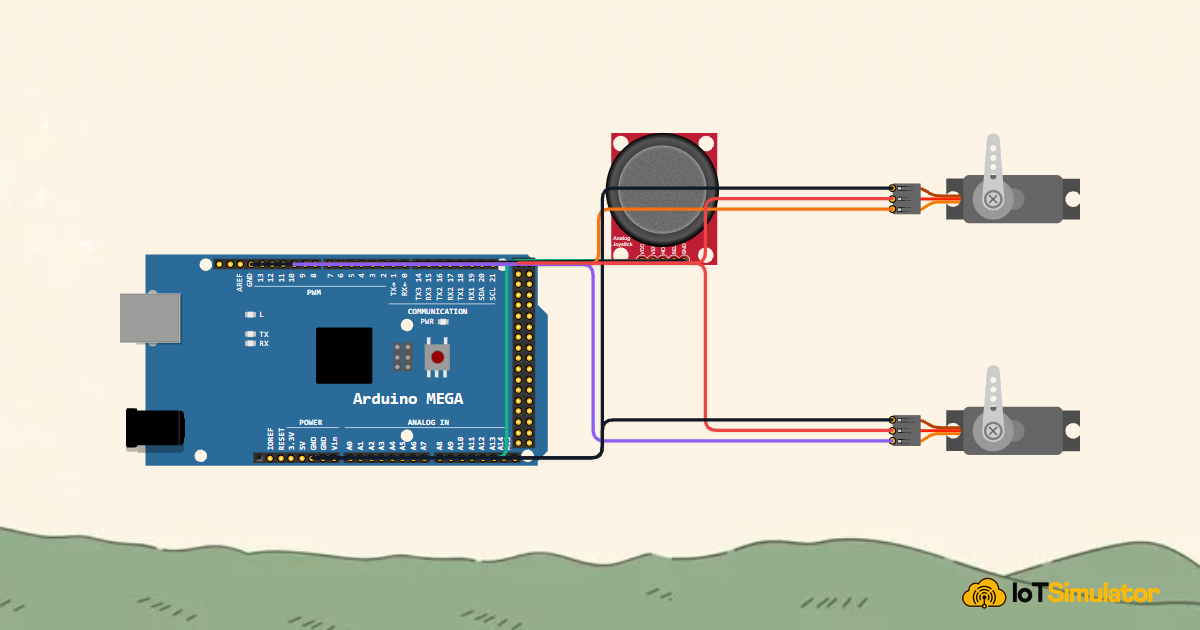
Control a Pan and Tilt Servo with an Arduino Mega and Joystick
More in Relay
More in LED
Arduino Smart Parking Barrier & Slot Counter with Ultrasonic Sensor
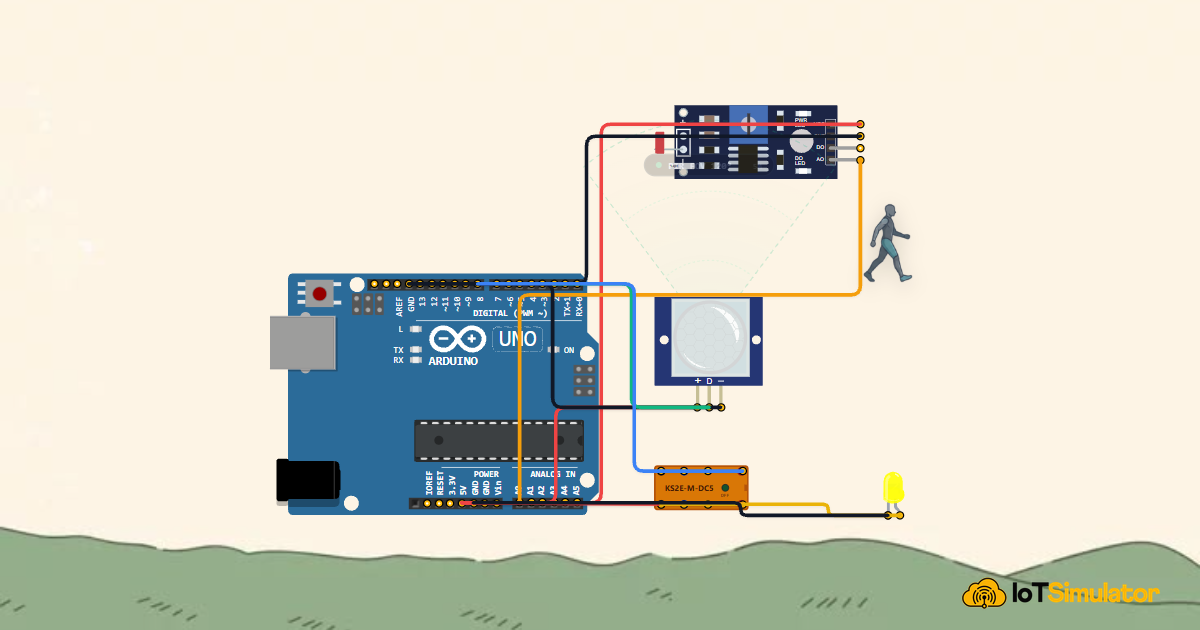
Arduino Smart Solar Streetlight with LDR and PIR Motion Sensor
Build a 4-Key Piano Synthesizer with a Raspberry Pi Pico W
Build a Smart Climate Monitor with a Raspberry Pi Pico W